Support
Get the help you need for PODgram.ai. Our community and support team are here to assist you with any questions or issues.
For Product-Related Questions
The fastest way to get help is by joining our Discord community and posting your question in the #❓-bot-help channel, which is monitored by our community moderators and staff members.
How to Join Our Discord Community
Follow these simple steps to join our supportive community:
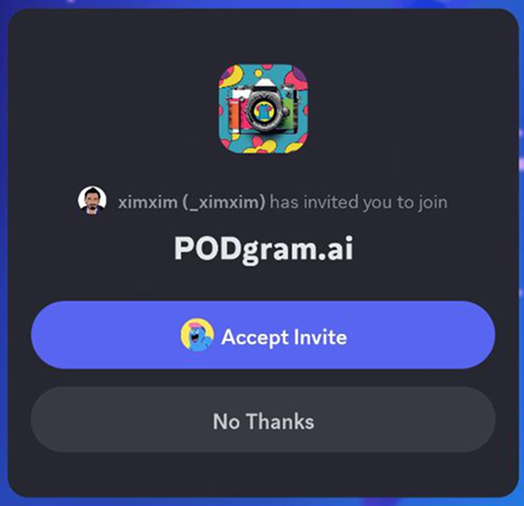
Step 1: Accept the Discord Invite
Go to our Discord invite link: https://discord.gg/hfEahVFSzn and accept the invite.
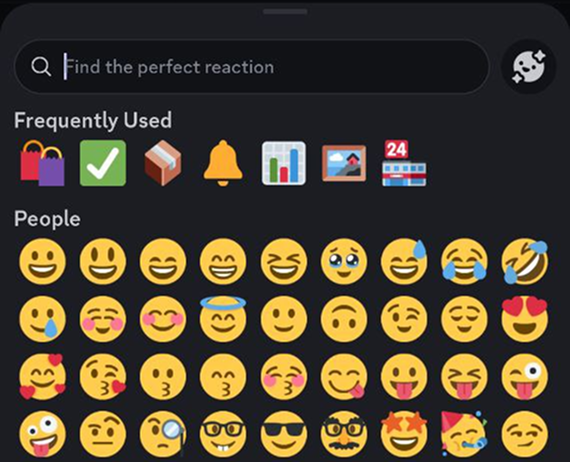
Step 2: React to Welcome Message
Once you're in the server, head to the 📖-welcome channel and react to the welcome message with a checkmark ✅ reaction.
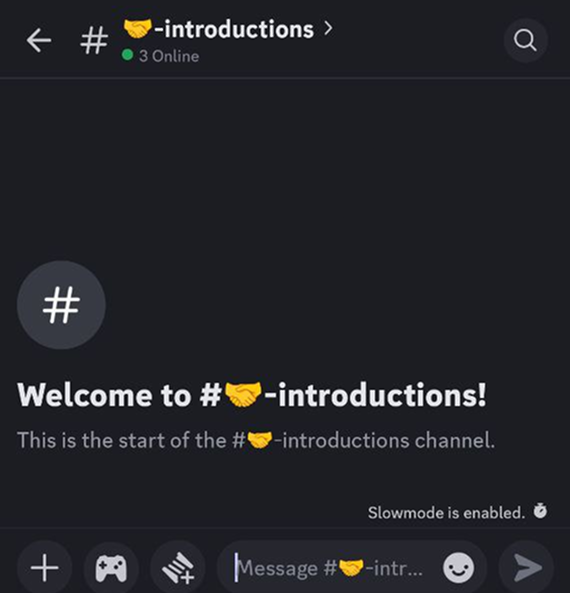
Step 3: Introduce Yourself
Visit the 🤝-introductions channel and introduce yourself to the community. Share what brings you to PODgram.ai and what you're excited to create!
Bot Help & Technical Support
If you need help with our Discord bot or have technical questions, contact the development team in the ❓-bot-help channel of our Discord community.
For Billing and Subscription Inquiries
If you have problems with your account or need assistance with payment-related issues, please send us an email at support@podgram.ai. We will get back to you as soon as possible.
Additional Resources
- FAQ: Check our Frequently Asked Questions for quick answers to common questions
- Getting Started: New to PODgram.ai? Visit our Quick Start Guide
- Prompting Guide: Learn how to create better prompts with our comprehensive Prompting Guide
Our support team and community are committed to helping you succeed with PODgram.ai. Don't hesitate to reach out!