Quick Start Guide
Welcome to PODgram.ai! This guide will walk you through the essential steps to get started with creating stunning print-on-demand artwork using our Discord bot.
Step 1: Add PODgram.ai to Your Discord
First, you'll need to add the PODgram.ai bot to your Discord server or use it in a direct message.
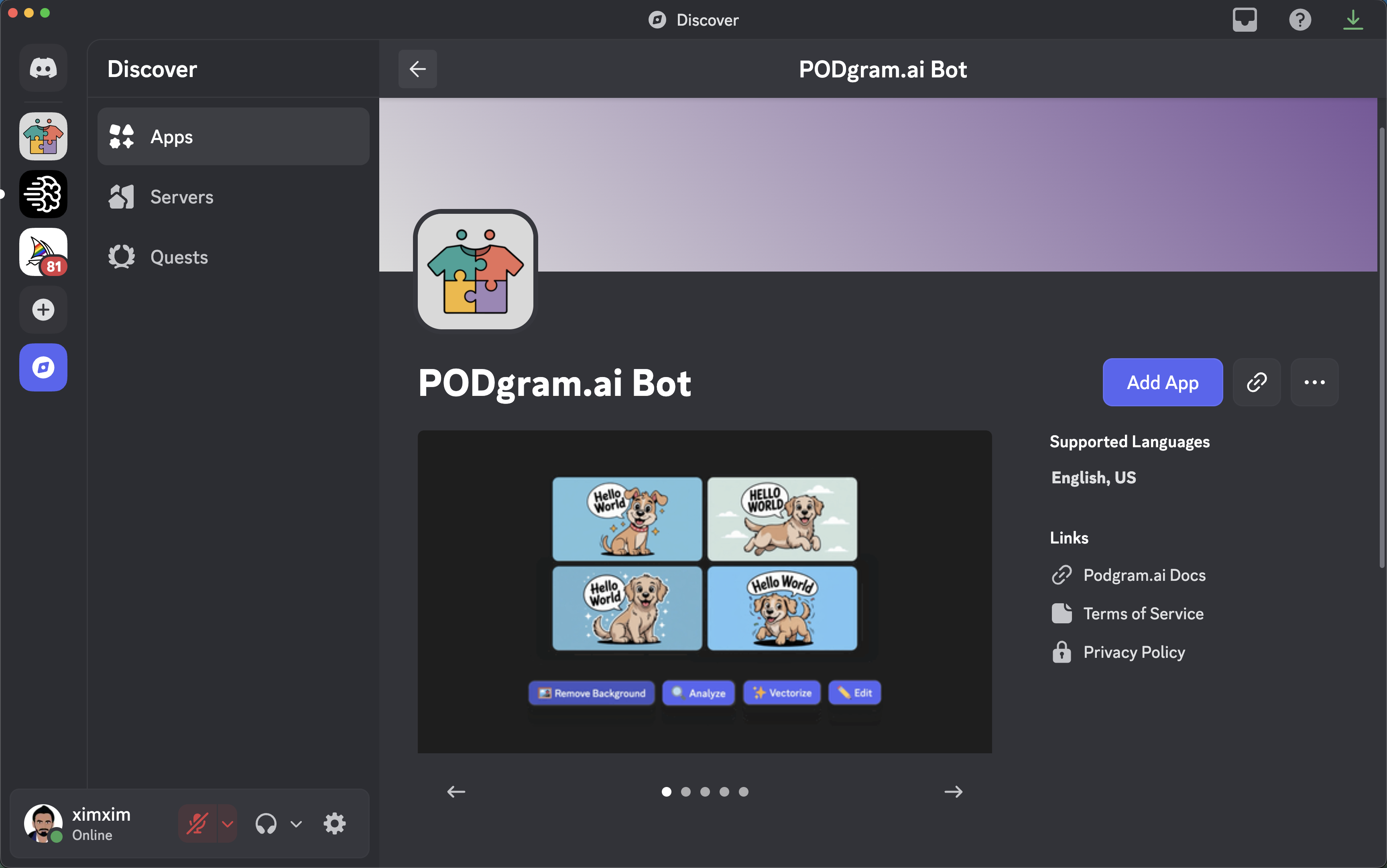
To get started:
- Click the "Add App" button on our Discord App listing, or
- Use the invitation link to add the bot to your server
- Grant the necessary permissions when prompted
Once added, you're ready to start creating!
Step 2: Run the /imagine Command
The /imagine command is your gateway to creating AI-generated artwork. Simply type /imagine followed by a description of what you want to create.

Example:
/imagine a cute golden retriever puppy with a speech bubble saying "Hello World"
Within seconds, you'll receive your generated images with various action buttons to further enhance and process them.
Pro Tips:
- Be specific and descriptive in your prompts for better results
- Check out our Prompting Guide for advanced techniques
- Generate 3-4 variations to give yourself options
Step 3: Explore Powerful Features
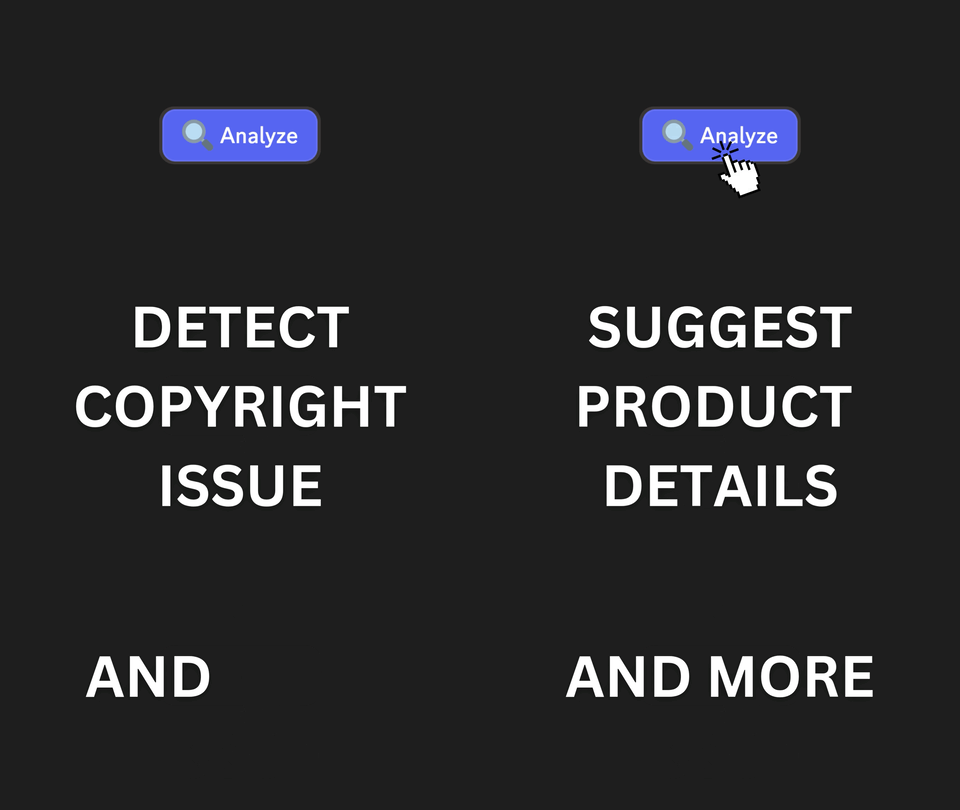
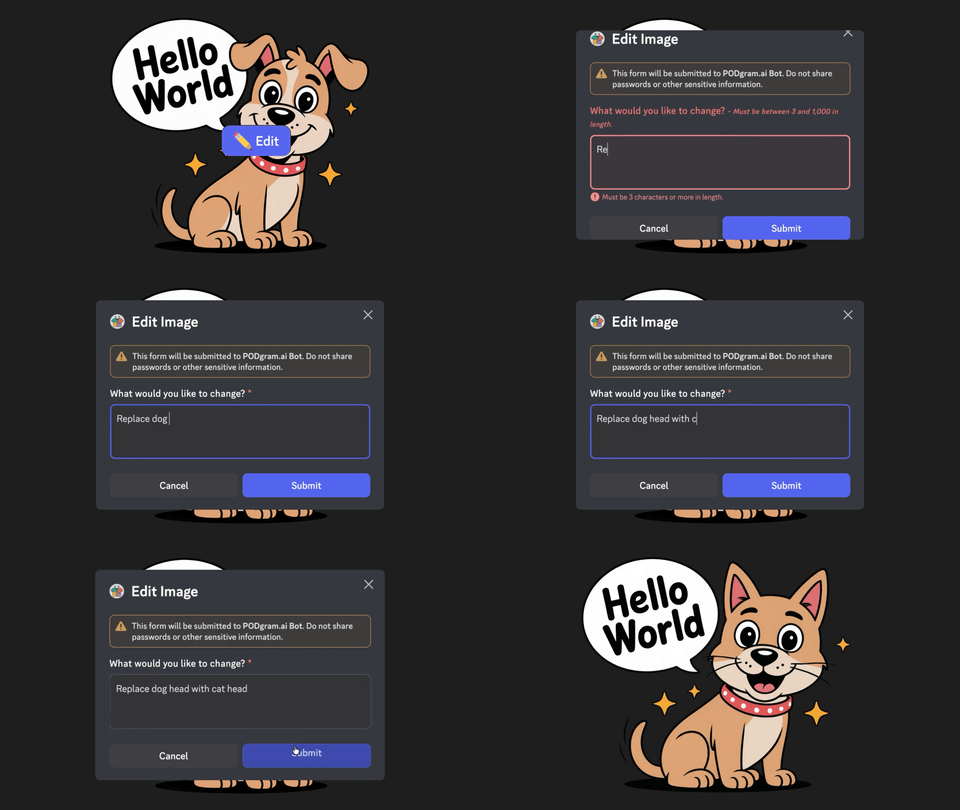
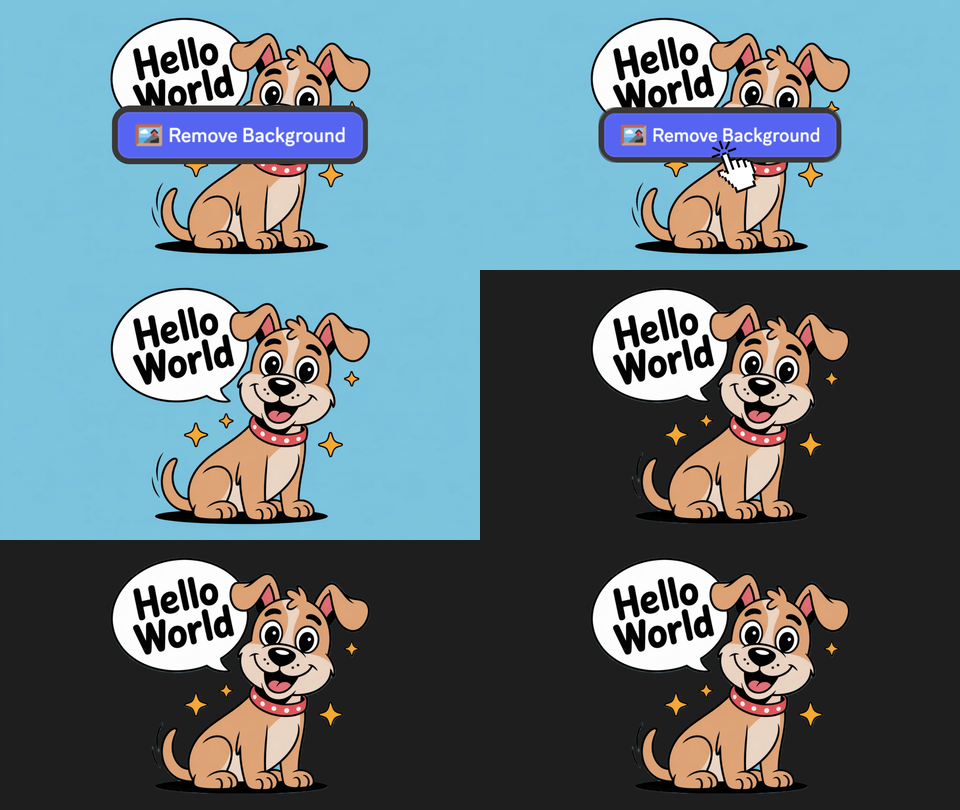
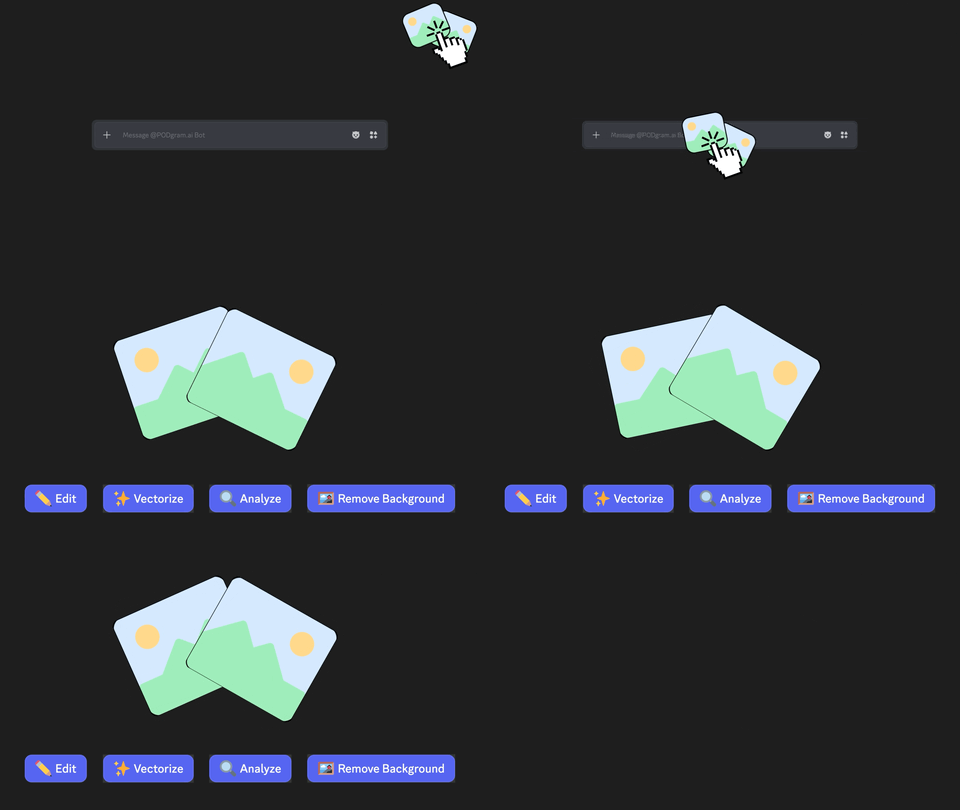
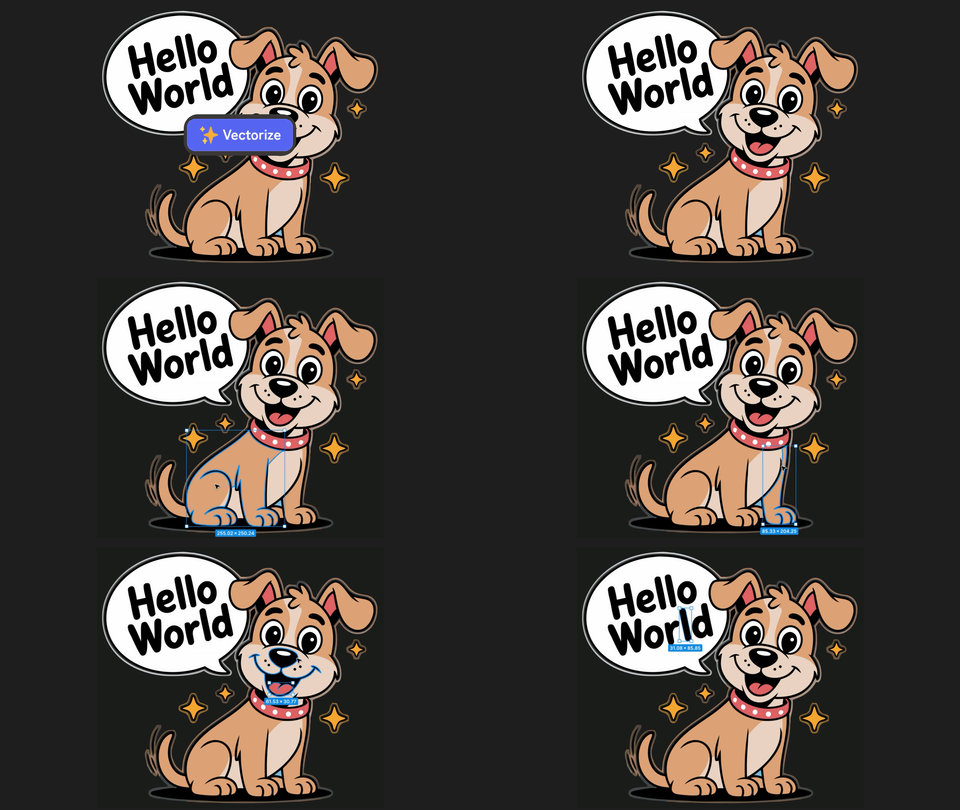
Once you've generated your images, PODgram.ai offers several powerful tools to enhance, analyze, and optimize them for print-on-demand. Click on any feature below to learn more:
🎯 What's Next?
Now that you know the basics, here are some resources to help you master PODgram.ai:
- Prompting Guide - Learn advanced techniques for creating better images
- Features - Explore all available features in detail
- FAQ - Find answers to common questions
- Support - Get help when you need it
💡 Quick Tips for Success
Start Simple: Begin with straightforward prompts and gradually experiment with more complex descriptions.
Analyze Early: Always use the Analyze feature to check for copyright issues before listing products for sale.
Iterate: Don't be afraid to use the Edit feature multiple times to refine your designs to perfection.
Batch Process: Generate multiple variations at once to give yourself more options to choose from.
Save Your Best Prompts: Keep track of prompts that work well so you can reuse and modify them for future projects.